
New accounts view
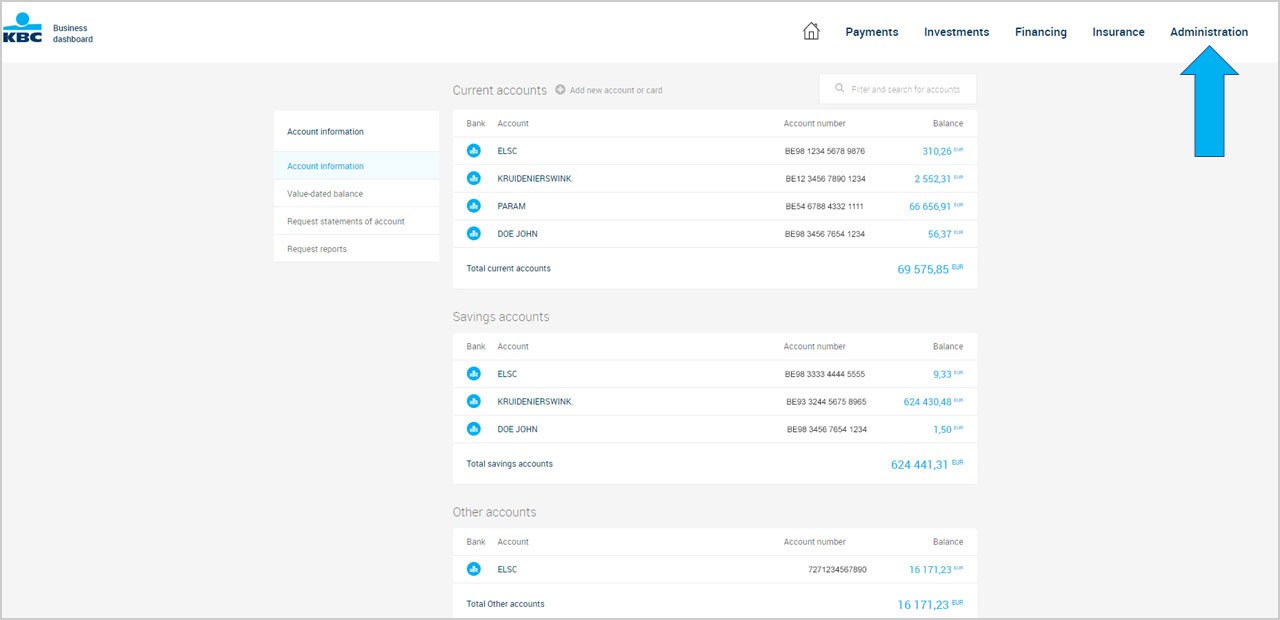
We never stop improving Business Dashboard. Now it’s even more powerful and easy to use, with a great new accounts view that’s better than ever before.
See lots of details at a glance without the clicks thanks to some minor navigation menu tweaks. Here are the main changes.
1. Where did the future payments option go and how do I see my payments diary?
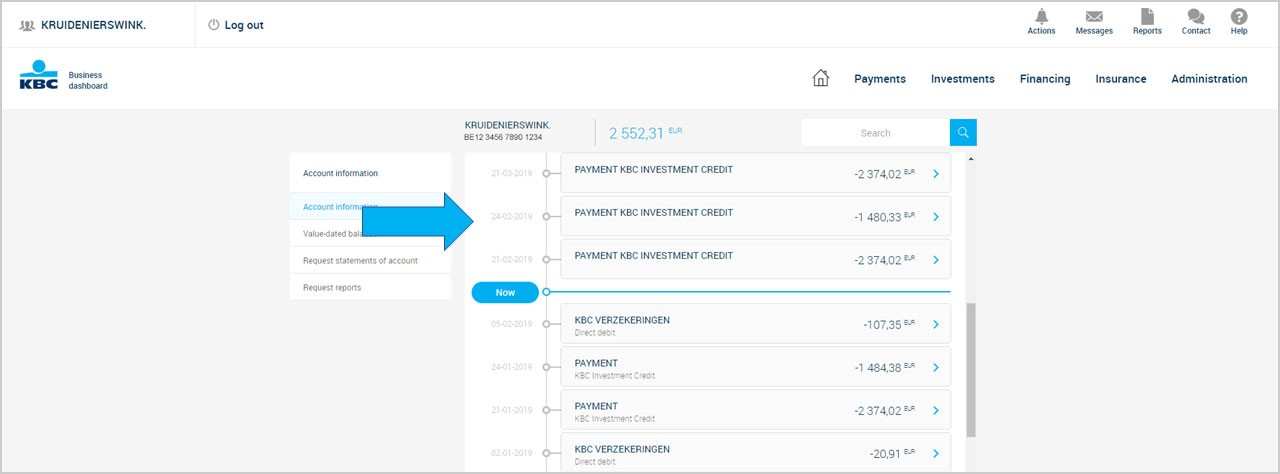
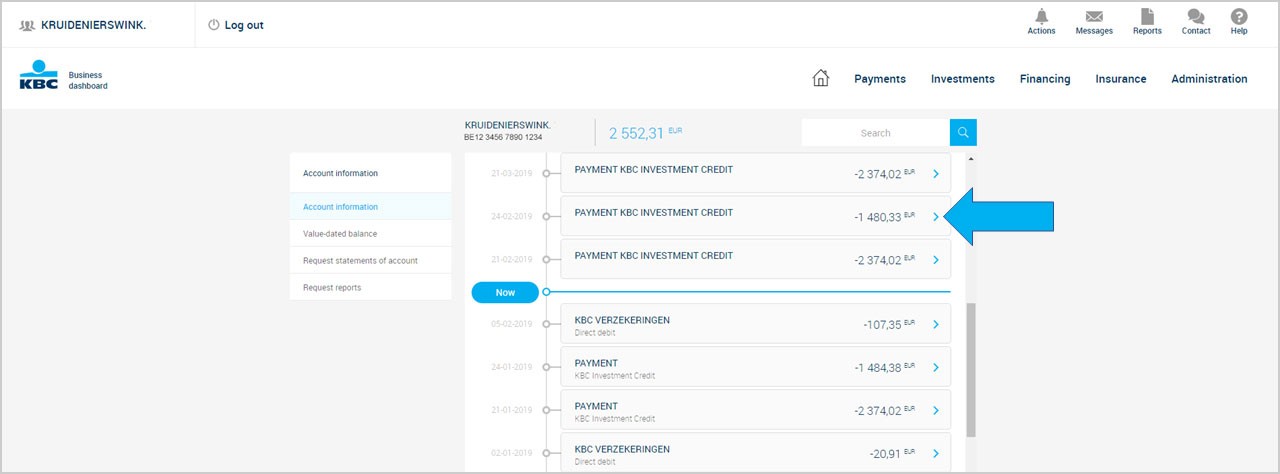
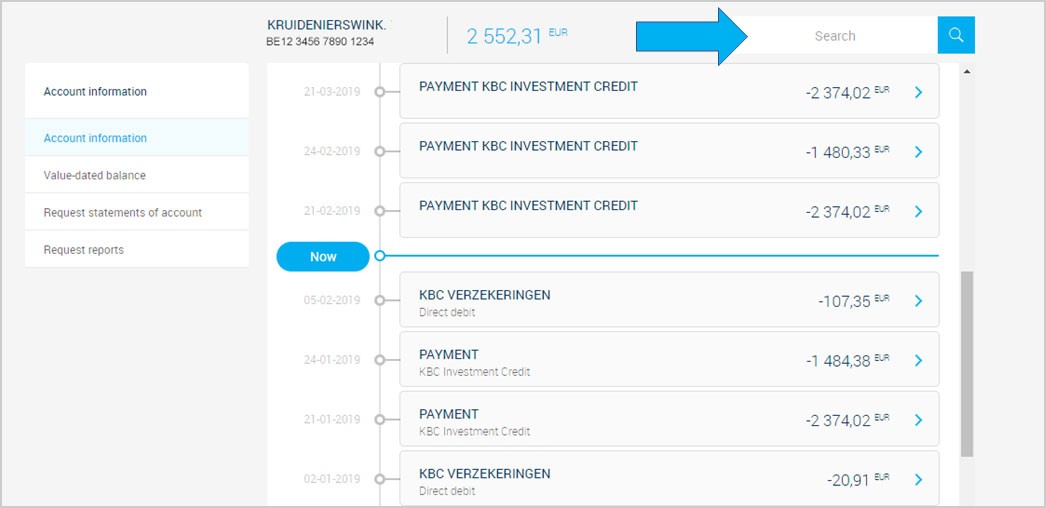
You can now see all your future transactions, standing orders and commercial credit facilities right from the details of an account. Simply select an account to see its details.
Transactions made in the past are now shown under the blue line. Future transactions are displayed above it, so you can see all your transactions at a glance.
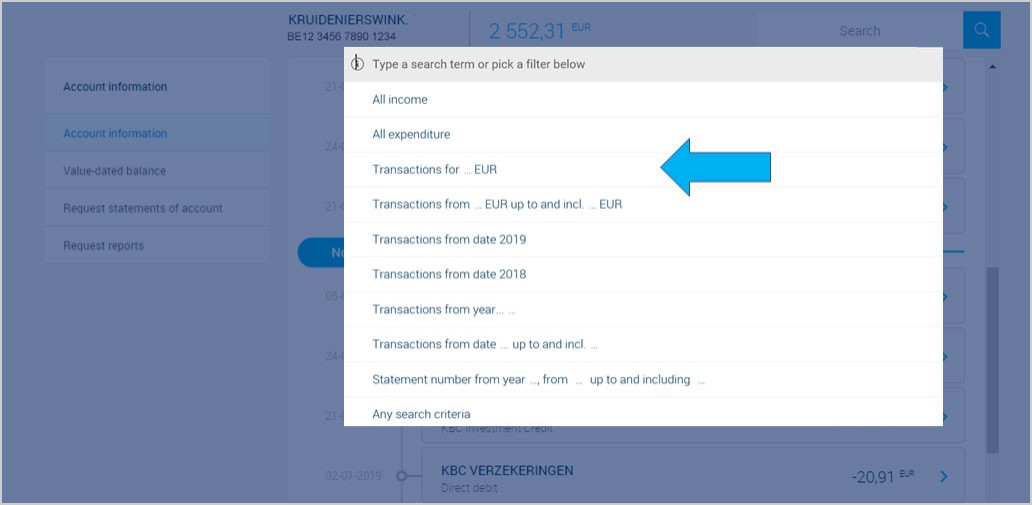
You can also easily find transactions using the search box at the top of the screen.
3. Why is the full amount of my roll-over credit facility included under future payments?
We indeed show the full amount of your roll-over credit facility under your future payments above the blue line. It goes without saying that only interest and drawdowns come off your account, as agreed under your repayment schedule.
Automatic roll-overs still exist, as before.
7. How do I print or save transaction searches?
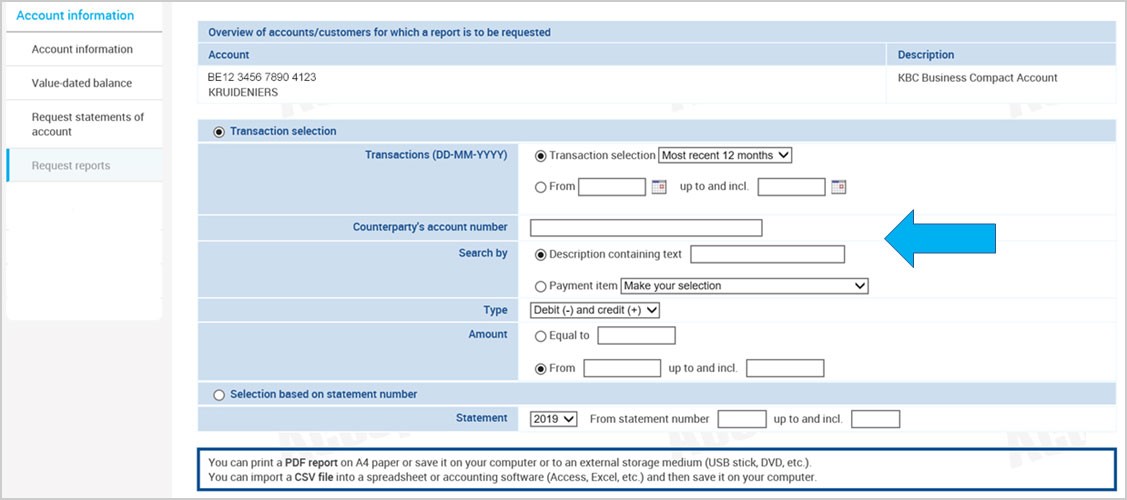
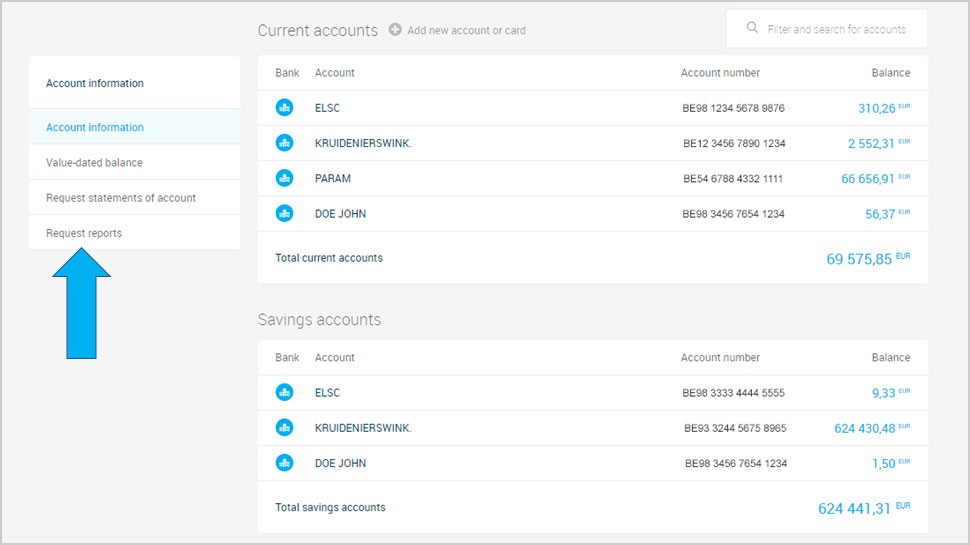
This option will be available again in your accounts view from the end of May 2019. For now, you can do this using ‘Request reports’ in the left navigation menu.
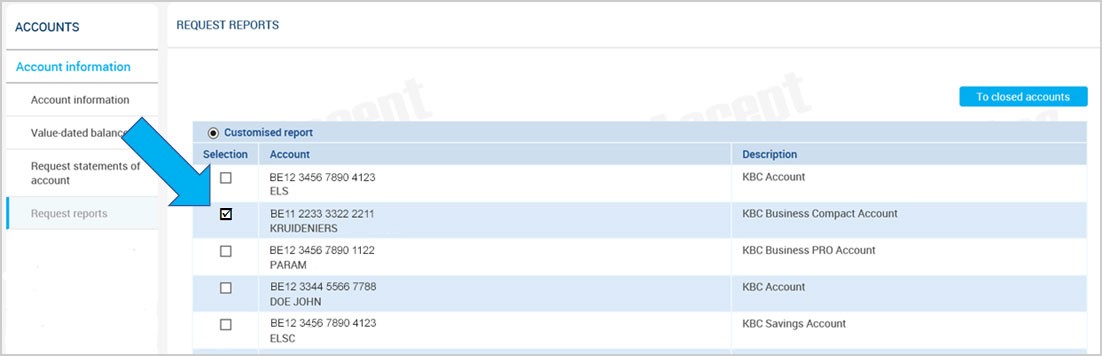
Choose the account for which you want a report.
Find the transactions you’re looking for using the usual search criteria. Reports can be printed or saved.