
Activating KBC Mobile for your child
This demo shows you how to easily activate KBC Mobile for your minor child using the QR code you created in your own KBC Mobile app.
You can see how to create this QR code in the demo: Setting up KBC Mobile for your minor child
Watch the video
https://www.youtube.com/watch?v=KlOvKYXMzbs
We should point out that the customers and data in the demo are fictional. The screens on a tablet or Android device may vary slightly from this iPhone demo.
Follow the step-by-step guide
- Download KBC Mobile from the App Store on your child’s smartphone or tablet.
- Open KBC Mobile and tap ‘Log in’.
- Choose whether to allow KBC Mobile to track your activity across other companies’ apps and websites. In this demo, we tap ‘Ask App Not to Track’.
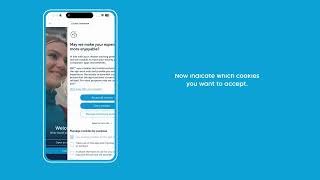
- Indicate which cookies you want to accept.
- Tap ‘Are you a minor? With your parents’ KBC Mobile app’.
- Tap ‘OK’ to allow KBC Mobile to access the camera.
- Scan the QR code that you, as a parent, have created on your own device. This code is valid for 5 minutes.
- Enter a PIN for your child and tap the tick.
- Enter your child’s PIN again and tap the tick.
- If you want your child to be able to use Face ID, slide the button to the right. In this demo, we won’t enable this feature. Tap ‘Continue’ at the bottom of your screen.
- Choose whether your child is to receive notifications from KBC. In this demo, we first tap ‘Enable notifications’ and then ‘Allow’.
All done – your child can now use KBC Mobile.