
KBC Mobile has a lot to offer for young people
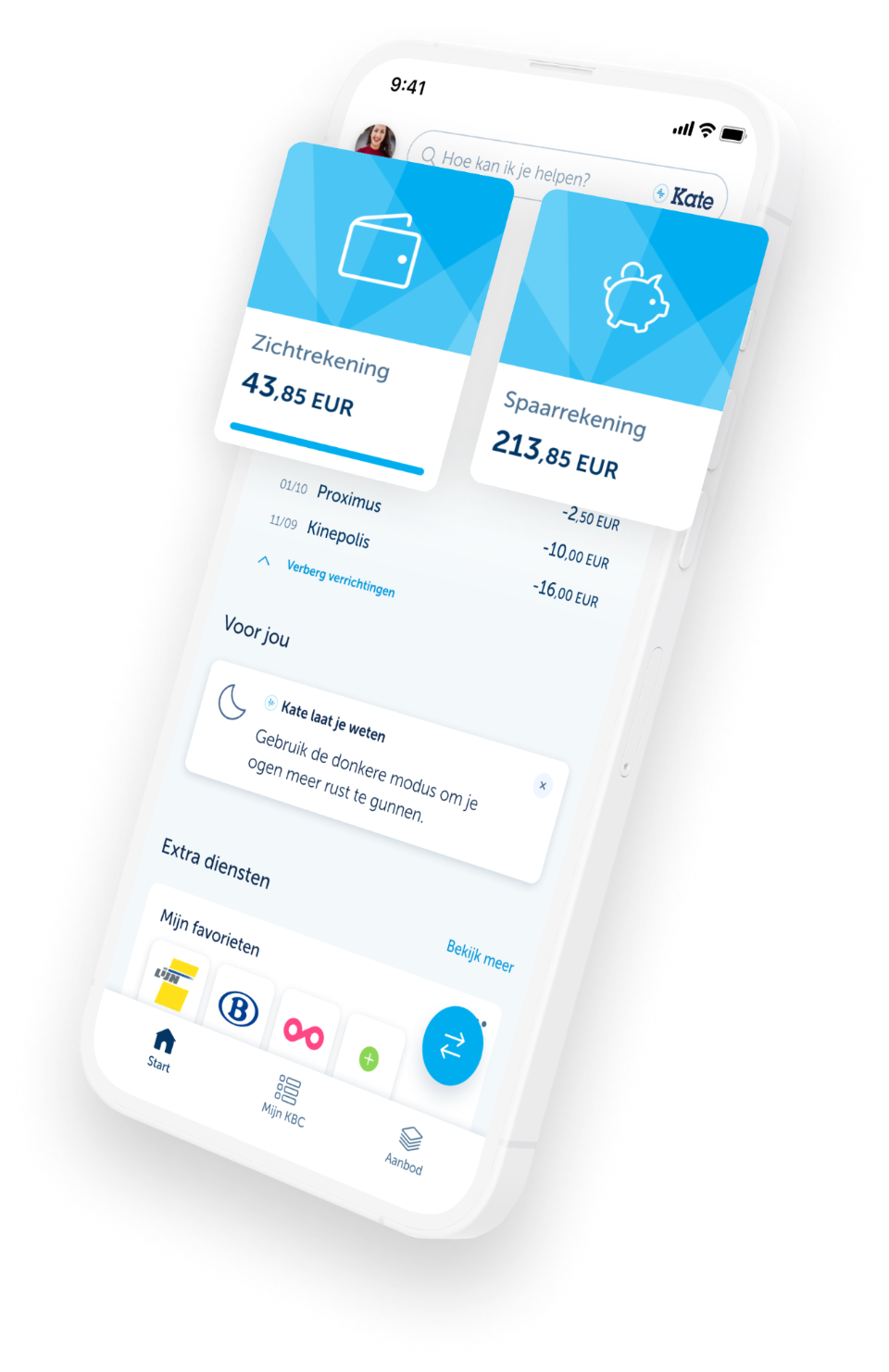
Children and young people can do their banking on the go with KBC Mobile, which is free of charge and fully tailored to their needs!
KBC Mobile offers great additional features for young people such as:
- dark mode
- splitting group expenses
- practising for their driving theory test
... and more! You’ll still have a clear overview of your child's account by going to ‘Family situation’ in KBC Mobile.

KBC Mobile has a lot to offer for young people
Children and young people can do their banking on the go with KBC Mobile, which is free of charge and fully tailored to their needs!
KBC Mobile offers great additional features for young people such as:
- dark mode
- splitting group expenses
- practising for their driving theory test
... and more! You’ll still have a clear overview of your child's account by going to ‘Family situation’ in KBC Mobile.
What is 'Family situation' in KBC Mobile?
- You keep a link between your and your child’s KBC Mobile apps
- You decide how much your child can transfer per day and which accounts are visible
- Your child can get started using a QR code (no need for a card reader or a form of ID)
What is 'Family situation' in KBC Mobile?
- You keep a link between your and your child’s KBC Mobile apps
- You decide how much your child can transfer per day and which accounts are visible
- Your child can get started using a QR code (no need for a card reader or a form of ID)
If they’re under 18, your child can start using KBC Mobile via the QR code. If they’re 16 or older, they can also activate KBC Mobile themselves using itsme®.
Activating KBC Mobile together using ‘Family settings’ (for under-18s):
- Log in to your KBC Mobile app and tap the cogwheel or your profile photo in the top left
- Select ‘Personal details’ and then the name of the child who will start
using KBC Mobile in order to generate a QR code - Ask your child to download KBC Mobile from the Apple App Store or the Google Play Store
Your child activates KBC Mobile on their own (at least 16 years old):
- Download KBC Mobile in the Apple App Store or the Google Play Store
- Open the app and follow the steps to activate KBC Mobile
- Identify yourself with itsme®
If they’re under 18, your child can start using KBC Mobile via the QR code. If they’re 16 or older, they can also activate KBC Mobile themselves using itsme®.
Activating KBC Mobile together using ‘Family settings’ (for under-18s):
- Log in to your KBC Mobile app and tap the cogwheel or your profile photo in the top left
- Select ‘Personal details’ and then the name of the child who will start using KBC Mobile in order to generate a QR code
- Ask your child to download KBC Mobile from the Apple App Store or the Google Play Store
Your child activates KBC Mobile on their own (at least 16 years old):
- Download KBC Mobile in the Apple App Store or the Google Play Store
- Open the app and follow the steps to activate KBC Mobile
- Identify yourself with itsme®