


Schedule your standing orders with Kate
- Never forget a payment again
- Set it up once, and your payments will be carried out automatically and continuously
- View and modify your standing orders at any time
How to ask Kate:
- Open KBC Mobile and start a conversation with Kate.
- Ask your question in plain language, for example: ‘Kate, set up a standing order.’
- Kate will take you to an overview of your standing orders where you can also schedule a new payment.
- For a new order, choose:
- Who the payment is for (e.g. your landlord),
- Which account you want to pay with,
- The amount and when payment is due,
- The start and end date (if applicable),
- Check the overview and confirm with your PIN, fingerprint or facial recognition.
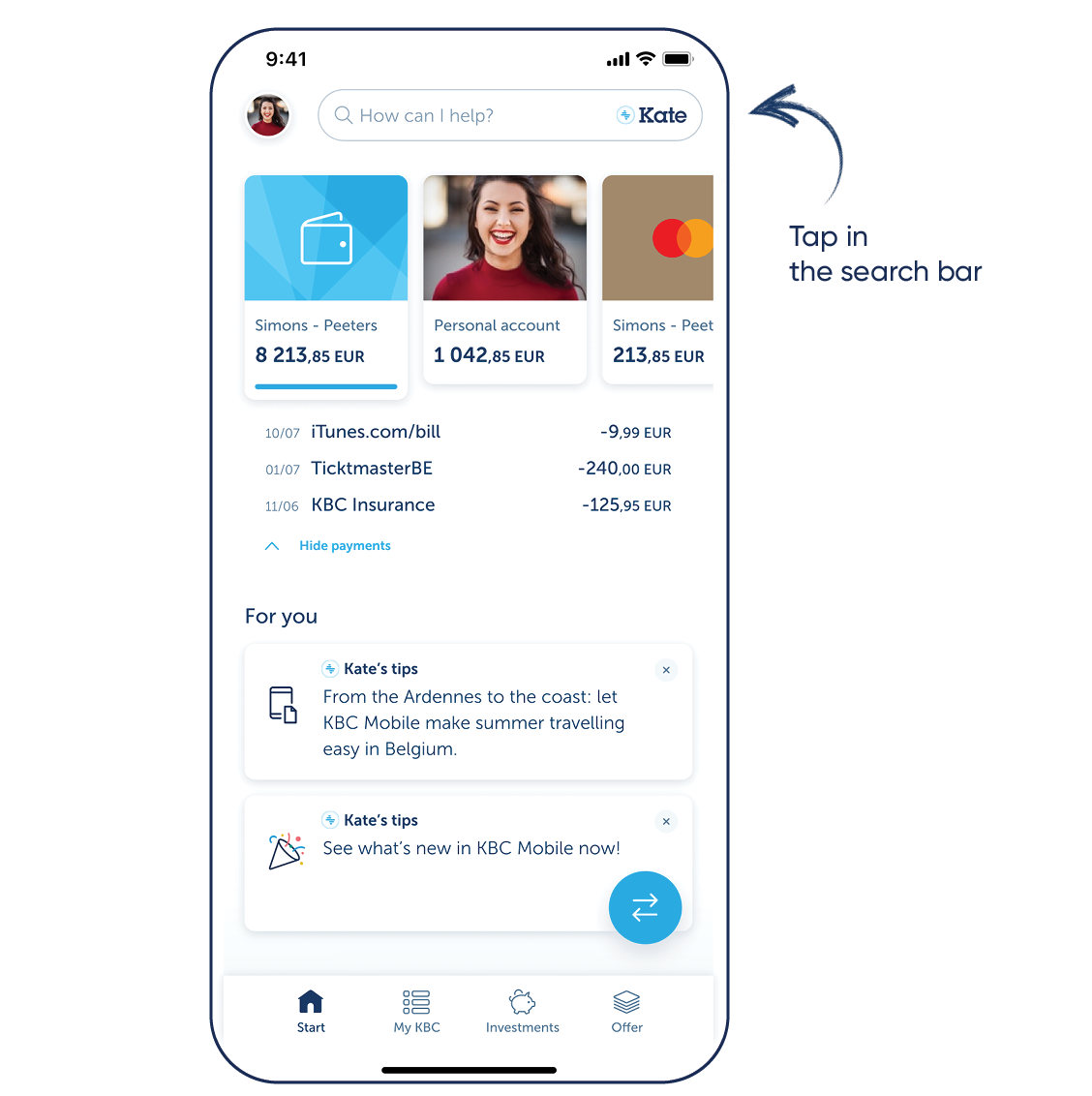
Want to try Kate but don't have KBC Mobile?
For Android
Step 1: Scan the QR code shown and install KBC Mobile or go to Google Play on your phone and install KBC Mobile
Step 2: Log in to KBC Mobile and tap the search bar at the top
For iPhone
Step 1: Scan the QR code shown and install KBC Mobile or go to the App Store on your phone and install KBC Mobile
Step 2: Log in to KBC Mobile and tap the search bar at the top
Download KBC Mobile
Open the app and follow the instructions. Tap the search bar at the top to talk to Kate.

Download KBC Mobile
Open the app and follow the instructions. Tap the search bar at the top to talk to Kate.