


Adjust your limits with Kate
- No need to make an appointment with your branch
- Taken care of immediately for limits of up to 25 000 euros
- You choose how high or low your limits should be
How to ask Kate:
- Open KBC Mobile and start a conversation with Kate.
- Ask your question in plain language, for example: 'Kate, adjust my limits.'
- Kate asks you which limits you want to adjust.
- Kate now asks you which limits you want to adjust:
- card limits,
- MobilePay limits,
- transfer limits,
- limits for a child's account.
- Choose the limit you want to adjust. Kate guides you to the overview.
- Choose your new maximum amount.
- Confirm your choice with itsme or your card reader.
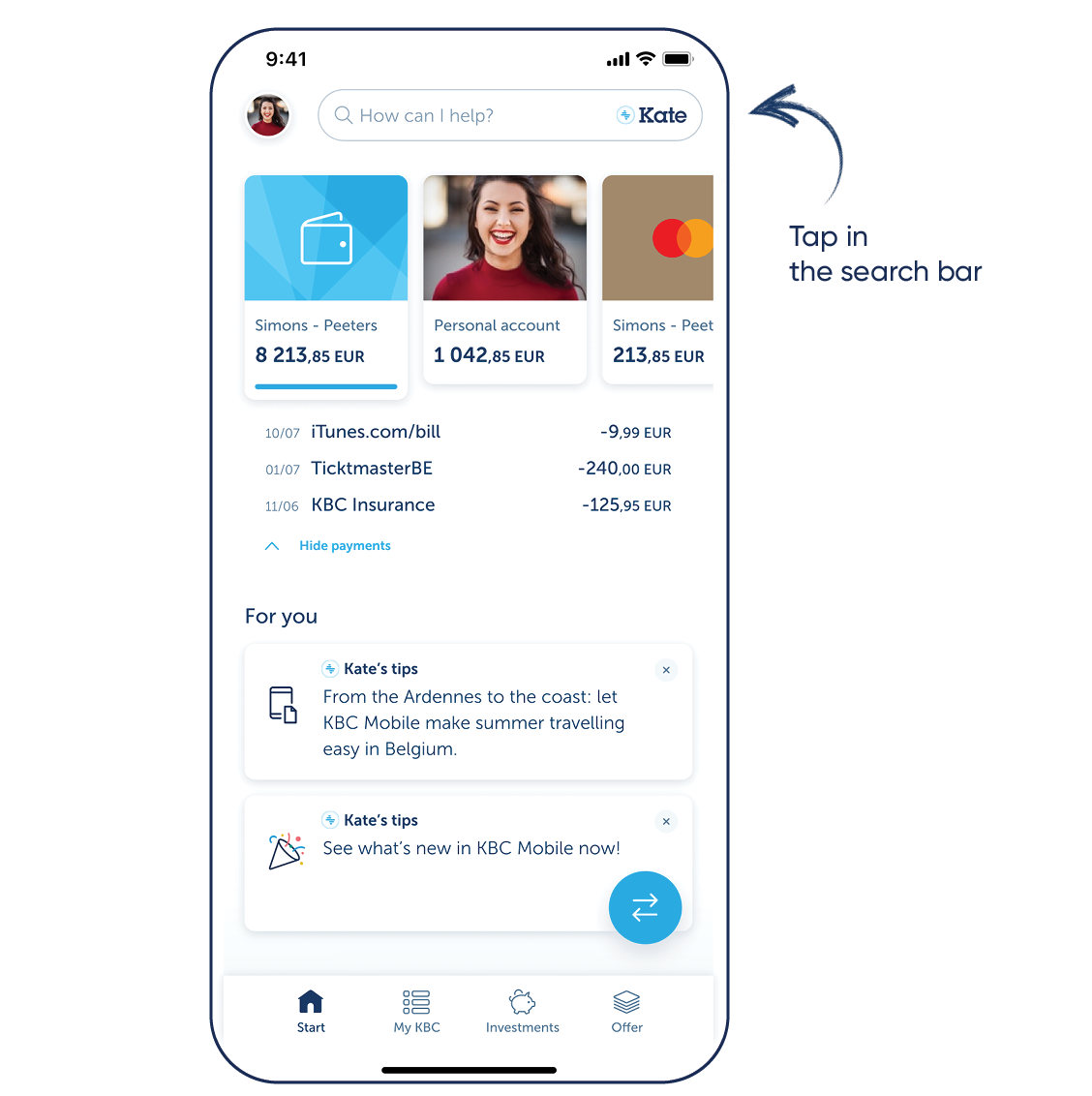
Want to try Kate but don't have KBC Mobile?
For Android
Step 1: Scan the QR code shown and install KBC Mobile or go to Google Play on your phone and install KBC Mobile
Step 2: Log in to KBC Mobile and tap the search bar at the top
For iPhone
Step 1: Scan the QR code shown and install KBC Mobile or go to the App Store on your phone and install KBC Mobile
Step 2: Log in to KBC Mobile and tap the search bar at the top
Download KBC Mobile
Open the app and follow the instructions. Tap the search bar at the top to talk to Kate.

Download KBC Mobile
Open the app and follow the instructions. Tap the search bar at the top to talk to Kate.